Merge PDF
Combine several PDF files into a single document — contracts with their annexes, scanned pages, invoices for a whole month. Add the files, put them in order and download one PDF.
Add the PDFs in the order they should appear. You can reorder them before merging.
Add at least two PDFs to merge.
Merge PDF files in 3 steps
- 1
Add your PDFs
Choose or drag up to 20 PDF files.
- 2
Put them in order
Use the arrows to move each file up or down; the merged PDF follows this order.
- 3
Merge and download
Press Merge and download a single PDF with every page.
What the PDF merger does
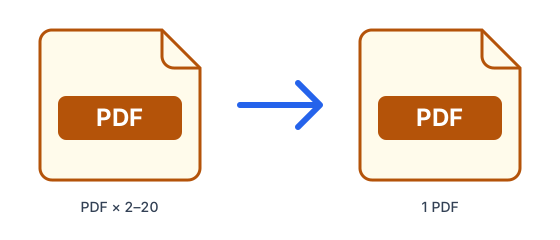
- Joins up to 20 PDFs in the exact order you set.
- Keeps every page as it is: text stays selectable and nothing is re-encoded.
- Works in any browser, on computers, tablets and phones.
- No watermark and no added pages.
Tips for merging PDFs
- Password-protected PDFs cannot be merged — remove the password first.
- If the merged file is too big to send, run it through Compress PDF afterwards.
- To keep only some pages of a file, extract them first with Split PDF.
What is PDF?
PDF preserves a document's exact layout, fonts and images so it looks the same on every device and printer. It is the standard for sharing, signing and archiving final documents, but it is designed to be read rather than edited.
Frequently asked questions
- Is it free to merge PDF files?
- Yes. Free accounts can process up to 50MB at a time, 10 times every 24 hours; Pro raises that to 1.5GB with no daily limit. The limit applies to all the files together.
- How many PDFs can I merge at once?
- Up to 20 files per merge.
- Will the quality change?
- No. Pages are copied as they are, so text, images and links stay exactly as in the original files.
- Are my PDFs safe?
- Files travel over an encrypted connection, are scanned for malware (files up to 200 MB) and are deleted automatically: after 1 hour without an account, 24 hours with a free account, or 7 days with Pro.